

Dell UltraSharp 49 Curved Monitor – U4924DW
Original price was: £1,265.00.£921.53Current price is: £921.53.
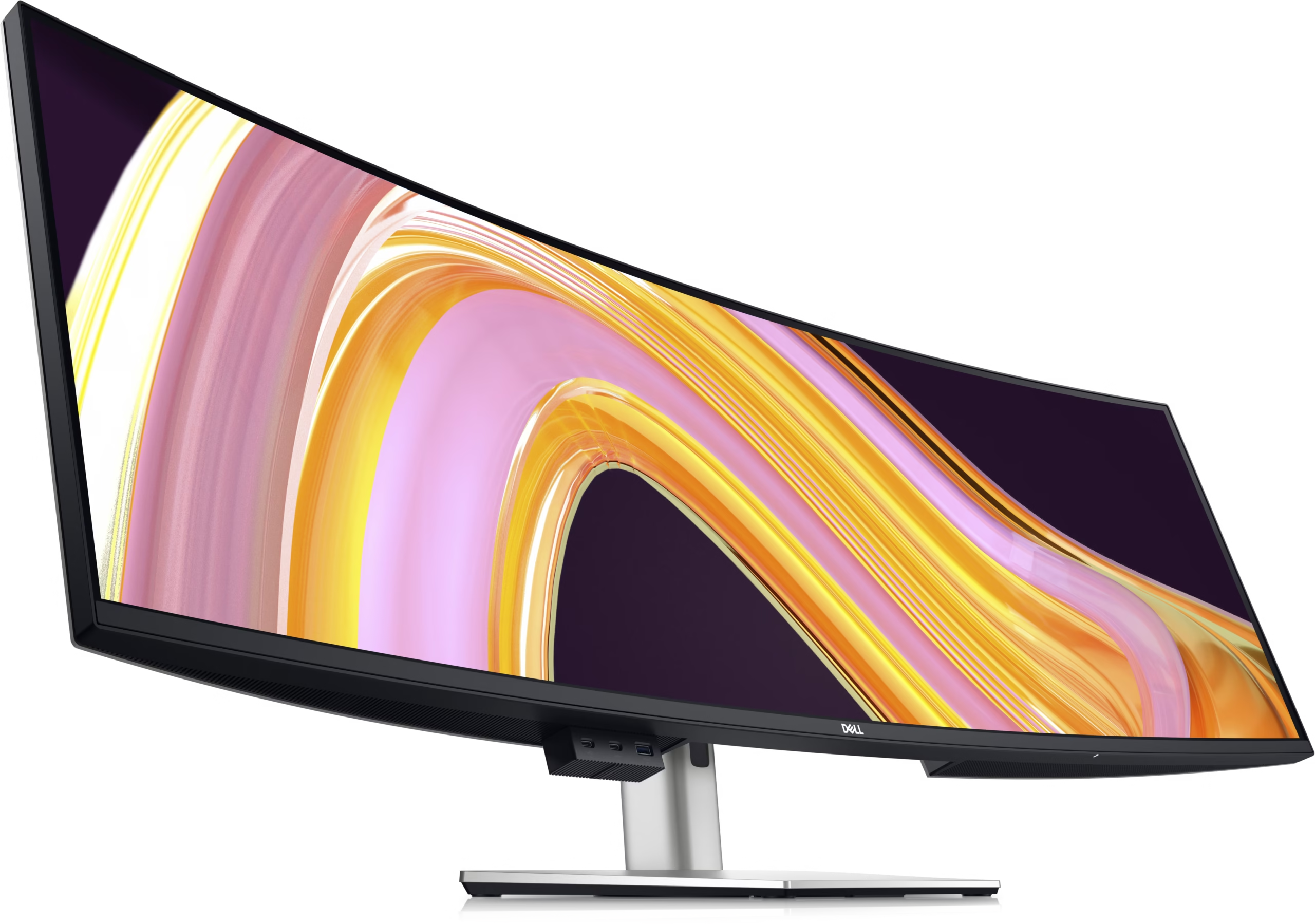
Experience uninterrupted productivity on the world’s first 49-inch dual QHD monitor with IPS Black panel technology that immerses you in a world of exceptional color and contrast.
Dell UltraSharp 49 Curved Monitor
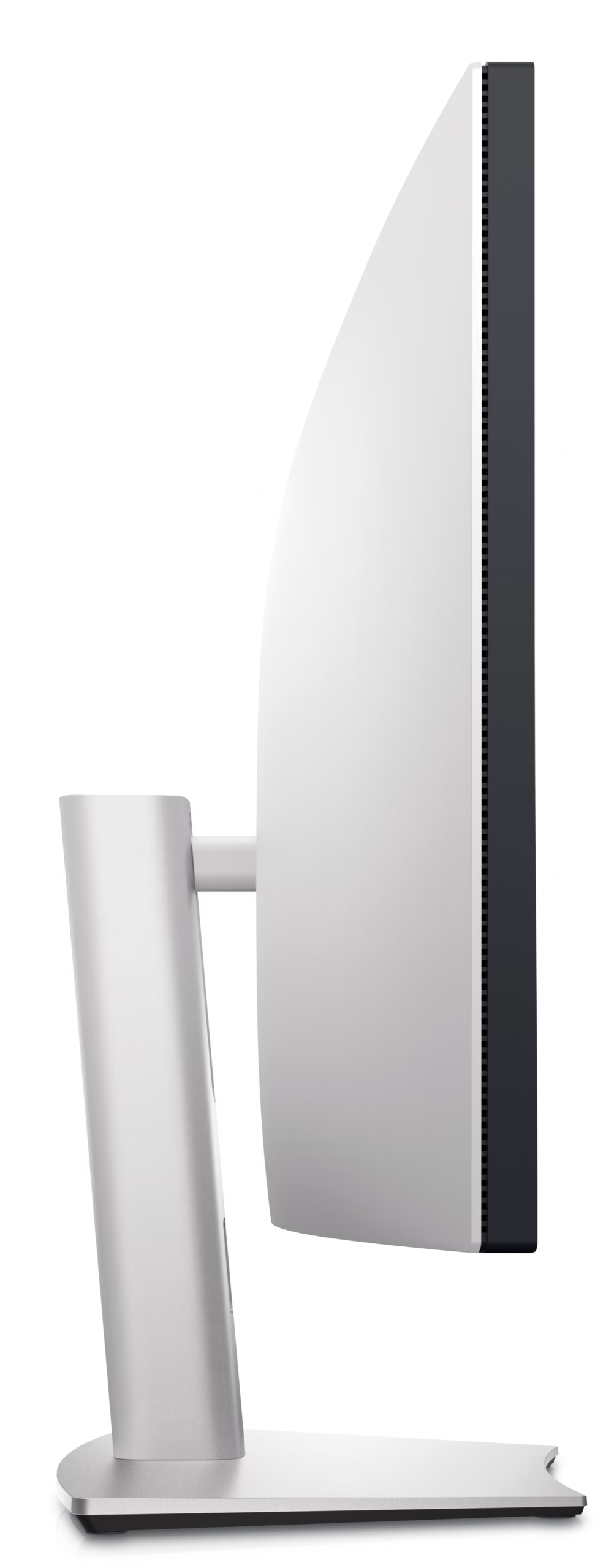
Curved screen: Work comfortably with a curved screen that improves field of view and
reduces reflection and eye fatigue.
Enhanced eye comfort: ComfortView Plus is an always-on, built-in, low blue light screen that reduces potentially harmful blue light emissions without compromising color.


Power your productivity
Fast and stable connection: Get up to 2.5GbE provided by RJ45 with PXE boot, Mac Address pass-thru and Wake on LAN features. RJ45 lock feature gives you the flexibility to lock the wired Ethernet to a chosen PC while continuing to work from dual PC inputs.
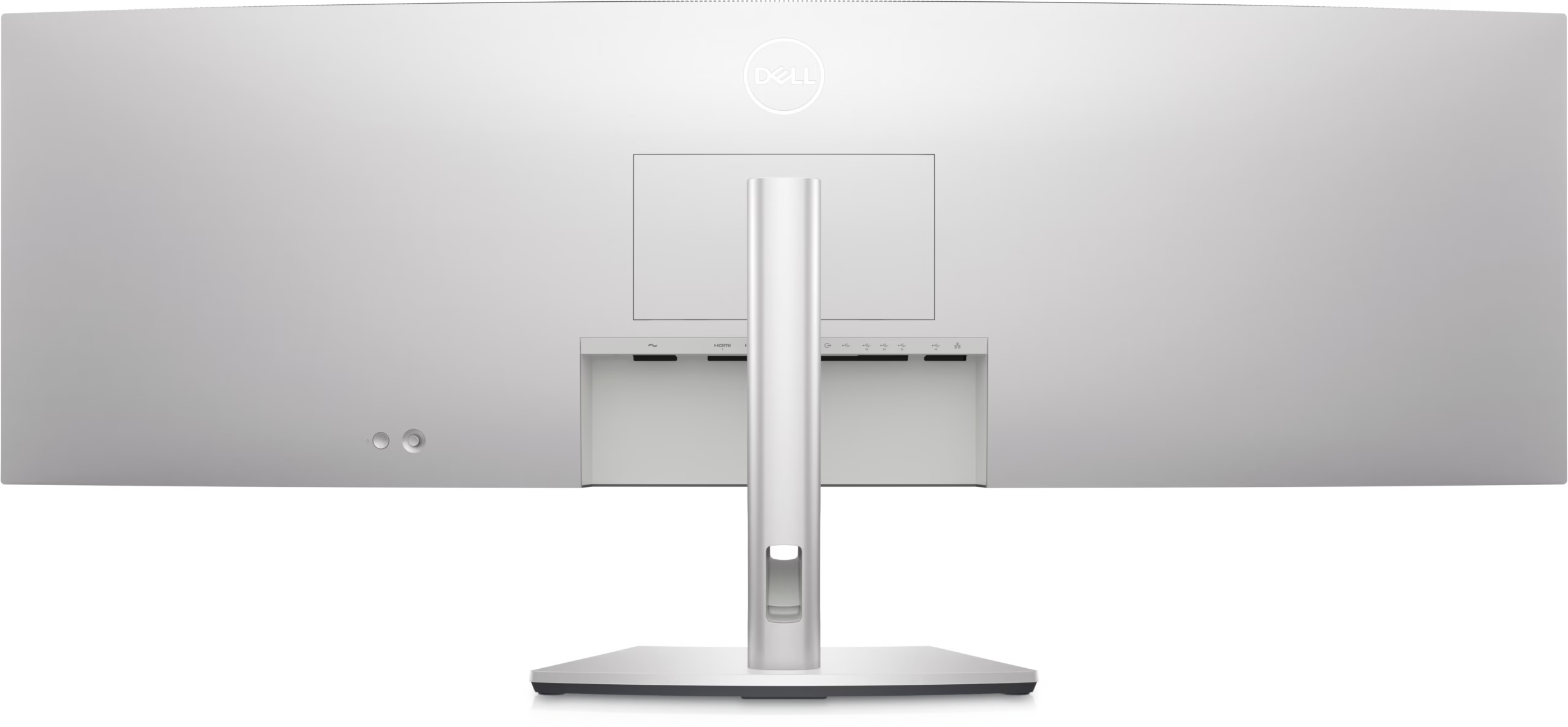
Connect: A wide variety of devices are connectable with USB-A and USB-C Gen2 downstream quick-access ports that deliver speeds up to 10Gbps and DP1.4, HDMI and USB-C upstream ports.
Starting is easy
Quick connect: Conveniently located USB-C (up to 15W power) and USB-A ports make it easy to plug in external devices, and built-in dual 9W speakers saves you the hassle altogether.
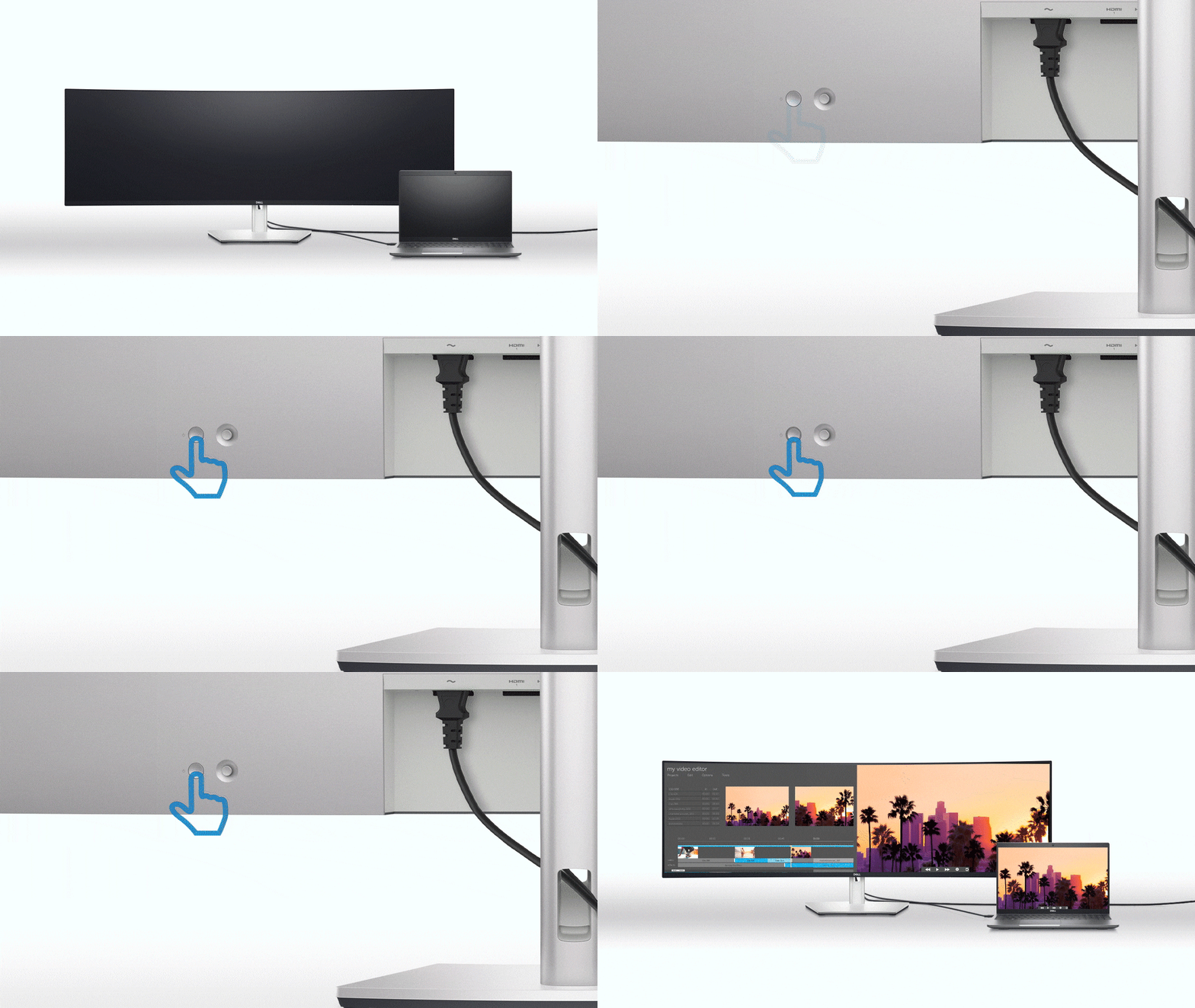
Dive right into your project: The built-in power sync feature wakes up and powers on your laptop.

Power of two
Internal Multi-Stream Transport (iMST): View your display across the full screen or split it into 2 x 27-inch QHD partitions with iMST. No external software or DisplayPort splitter needed.
Multitask better: Connect to two PC sources and Auto KVM (keyboard, video, mouse) will seamlessly switch controls over to the second connected PC. Use KVM feature to control both PCs with a single keyboard and mouse. The KVM wizard makes setup a breeze.
Set for comfort

Environmental standards: This monitor uses 85% PCR (Post-consumer Recyclable) plastic in the design, 90% recycled aluminum and meets the latest environmental standards such as EnergyStar®, and TCO Certified Edge, and is EPEAT® Gold registered.
Eco-conscious packaging: Designed with the environment in mind, Dell commercial monitors come in 90% recyclable cardboard packaging.
Energy conservation: Save energy with PowerNap, a feature that dims or puts your monitor to sleep when it’s not in use.
Advanced sustainability: Dell Technologies is committed to reducing environmental impact throughout the product lifecycle.
Dell Display and Peripheral Manager

Easy Arrange tiles apps across screens with pre-set partitions and customises up to five windows, enhancing multitasking. Easy Arrange Memory saves and restores app profiles manually, on schedule, or at start-up.Easy navigation
Control and work across multiple network or USB connected PCs and monitors with a single keyboard and mouse, seamlessly transferring files between them.More manageable
Save time and boost IT efficiency with the Dell Device Management Console to manage your Dell peripheral fleet at scale, from a single cloud-based console. Discover expanded Command Line Interface features from Dell Display and Peripheral Manager.Disclaimer: Screen image simulated for illustrative purposes only. Monitor model may vary.
Works with devices on macOS®*
Tested with devices on macOS, this USB-C monitor with P3 colour is compatible with Mac®devices.
*Based on internal testing of select Dell monitors with USB-C or HDMI connection to devices on macOS, June 2024. Requires USB-C or HDMI connectivity. Some features may not be supported.
| General | Display Type: LED-backlit LCD monitor / TFT active matrix; Energy Class: Class G; Diagonal Size: 49"; Built-in Devices: USB-C hub; Panel Type: IPS Black; Aspect Ratio: 32:9; Native Resolution: 5120 x 1440 at 60 Hz; Pixel Pitch: 0.2324 mm; Pixel Per Inch: 109; Brightness: 350 cd/m²; Contrast Ratio: 2000:1 / 2000:1 (dynamic); Colour Support: 1.07 billion colours; Colour Gamut: |
|---|---|
| Audio | Type: Speakers – stereo; Output Power / Channel: 9 Watt |
| Connectivity | Interfaces: 2 x HDMI (HDCP 2.2), DisplayPort 1.4 (HDCP 2.2), USB-C/DisplayPort 1.4 Alt Mode with Power Delivery (power up to 90W), USB-C 3.2 Gen 2 upstream, 4 x USB 3.2 Gen 2 downstream, 2 x USB-C 3.2 Gen 2 downstream (power up to 15W), USB 3.2 Gen 2 downstream with Battery Charging 1.2, Audio line-out, RJ45 Ethernet port, 2.5GbE |
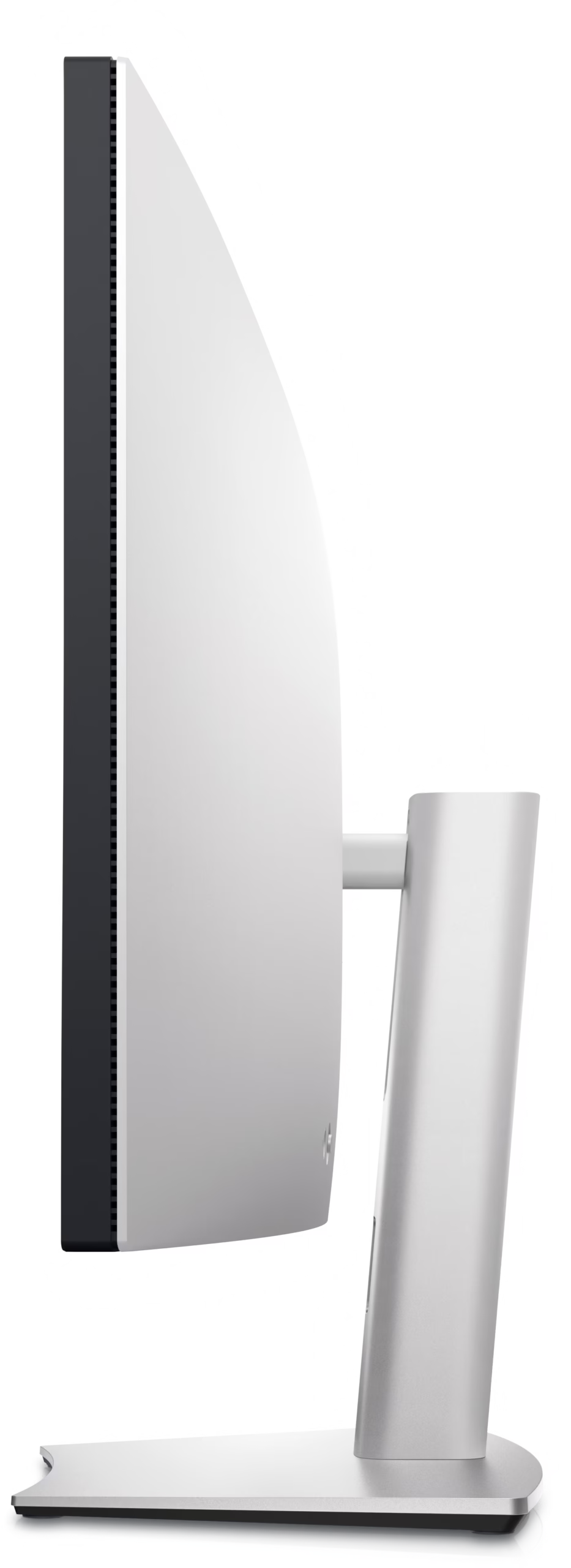
| Mechanical | Display Position Adjustments: Height, swivel, tilt; Tilt Angle: -5°/+21°; Swivel Angle: -170°/170°; Height Adjustment: 120 mm; VESA Mounting Interface: 100 x 100 mm, 200 x 100 mm |
| Miscellaneous | Features: Security lock slot (cable lock sold separately), VESA interface support; Cables Included: USB-C to USB-C cable – 1 m, DisplayPort cable – 1.8 m, USB-C to USB-A cable – 1 m |
| Power | Input Voltage: AC 100-240 V (50/60 Hz); Power Consumption (On mode): 45 W; Power Consumption (Typical): 290 Watt; Power Consumption Stand by: 0.3 Watt; Power Consumption (Off Mode): 0.3 Watt; On / Off Switch: Yes |
| Warranty | 3-Year Advanced Exchange Service and Premium Panel Exchange |
Related products
-
Accessories
Dell Pro Plus Compact Mouse – MS5120W
Original price was: £38.99.£27.99Current price is: £27.99. Select options This product has multiple variants. The options may be chosen on the product page -
Accessories
Dell Pro Compact Silent Mouse – MS355
Original price was: £32.00.£22.89Current price is: £22.89. Add to basket -
Accessories
Dell Pro 24 Plus QHD Monitor – P2425D
Original price was: £216.00.£200.24Current price is: £200.24. Add to basket